
 Book Free Consultation

Beyond Traditional APIs: How Tray.ai Changes Integration
Explore how Tray.ai compares with traditional API integration across development, workflows, error handling, monitoring, maintenance, and scalability.
By Kishor Selvam
Assistant Software Developer
Tray.ai vs Traditional API Integration
If you’ve ever worked with application integrations or just getting started with understanding how they work, you’ve probably come across APIs. Whenever two different applications need to exchange data or work together, APIs are usually what make that communication possible.
Traditionally, building these integrations means a developer has to handle quite a few things manually: writing the integration code, setting up authentication, sending API requests, handling errors, and maintaining the integration when something changes. It works, but as the number of systems and integrations grows, keeping everything running smoothly can become time-consuming and difficult to manage.
This approach works well when you’re dealing with a small number of integrations. But as a company grows and starts connecting hundreds of applications, managing and maintaining all those integrations can quickly become challenging. This is where platforms like Tray.ai provide an alternative. Instead of building every integration from scratch, teams can use pre-built connectors and workflows to connect applications and automate data flows.
In this blog, we’ll look at Tray.ai and traditional API integrations side by side and explore where each approach makes sense.
What Is API Integration?
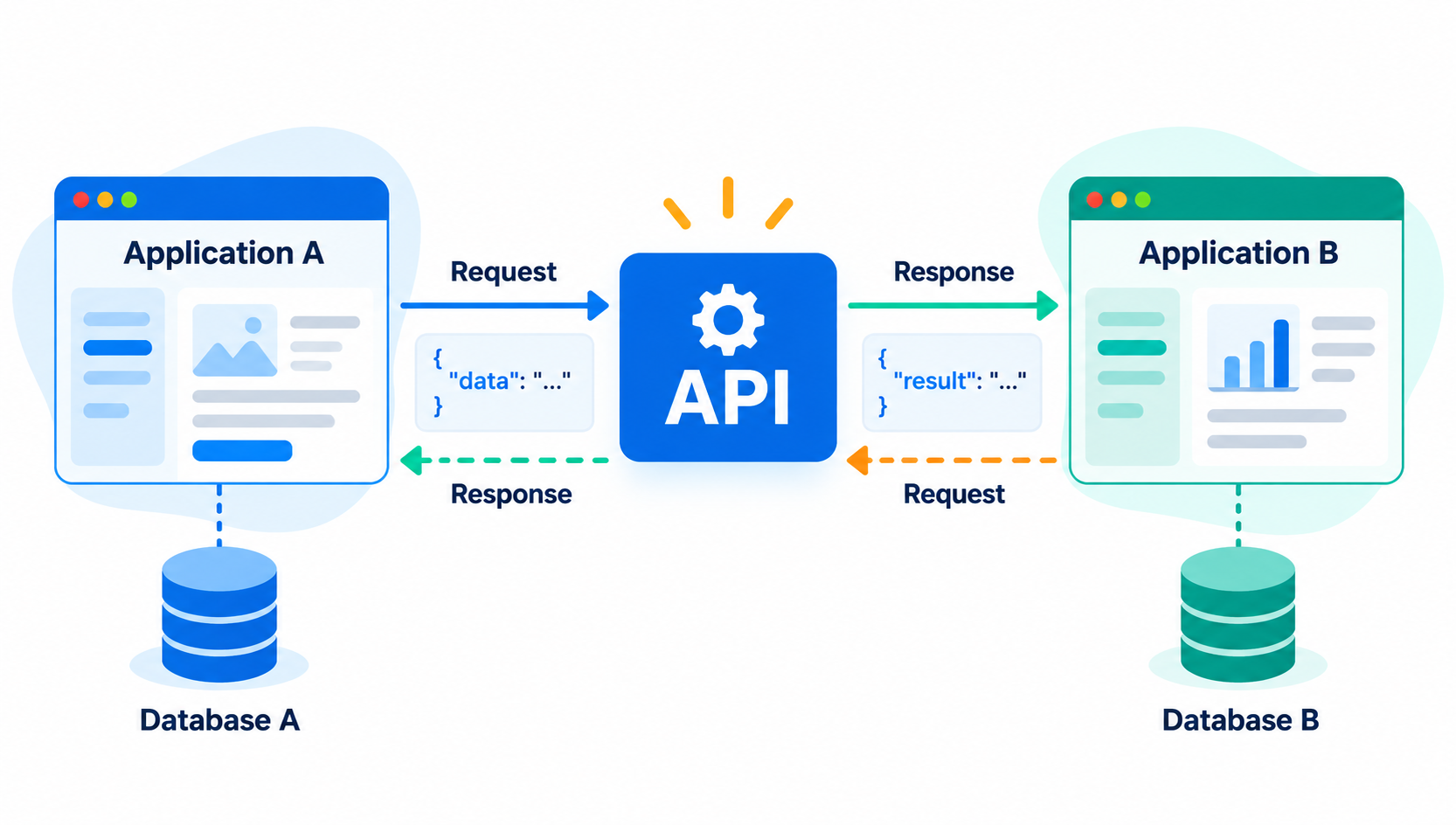
API integration is the process of connecting two or more software applications using their Application Programming Interfaces (APIs) to automatically share data and trigger actions without human intervention.
What Is Traditional API Integration?
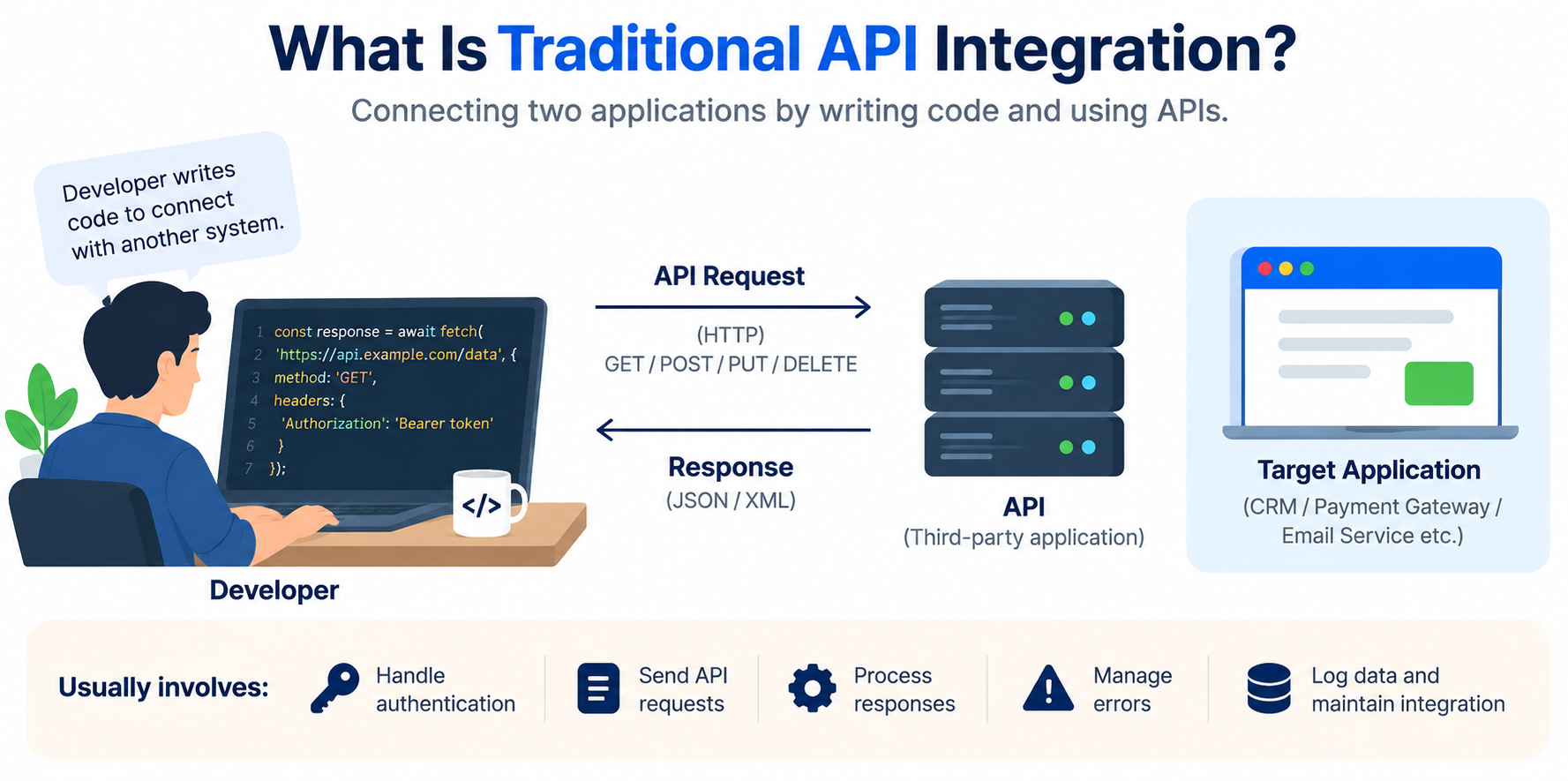
Traditional API integration is a process of connecting two or more applications by writing code in such a way that they are able to communicate with each other.
For example, in a situation where information about a customer in a CRM needs to be passed to another application, the developer must first understand how that particular API works. Then they will have to make a request, manage the authentication, parse the response, and handle errors.
The benefit of using traditional API integration is that developers have control over the entire process and the data exchange. This is the main reason why it is mostly used when there is a need for specific business logic or customization that is not available with other methods.
The only downside is that as the number of APIs increases, the amount of code also increases, which makes maintenance difficult.
What Is Tray.ai?
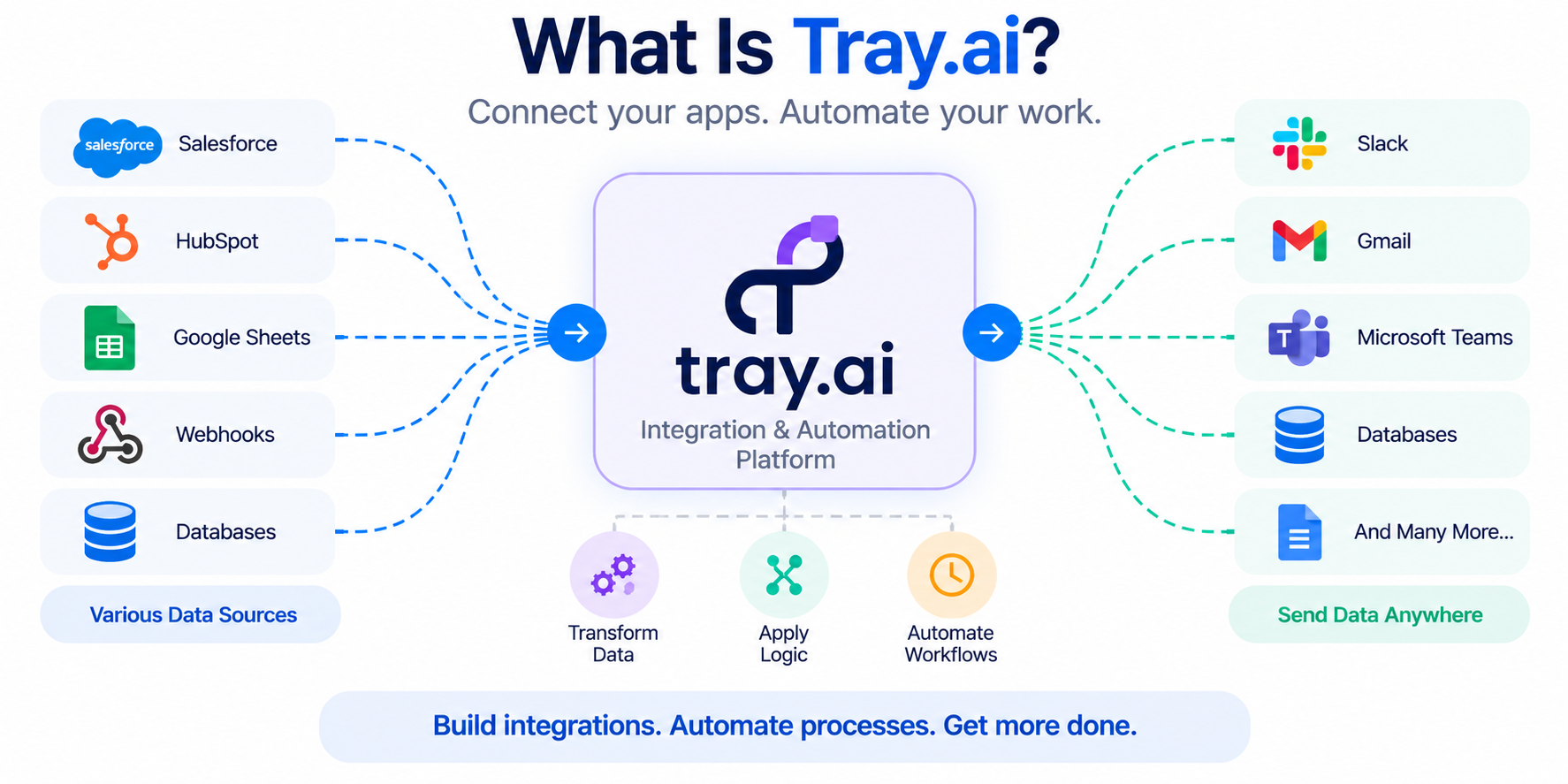
Tray.ai is an integration and automation platform that helps businesses connect different applications, APIs, databases, and services without having to build every integration from the ground up. In simple terms, Tray.ai acts as a bridge between different systems, allowing them to communicate and share data with each other.
For example, when a new lead is created in System A, Tray.ai can automatically receive the lead data, process or transform it based on specific business requirements, and then send the updated information to one or more connected services.
This makes it easier to automate repetitive integration tasks, move data between systems, and build workflows without writing custom integration code for every connection.
Tray.ai provides some of the following features to enhance productivity for integration developers:
- Services
- Authentications
- Workflows
- Triggers
- Connectors
Services
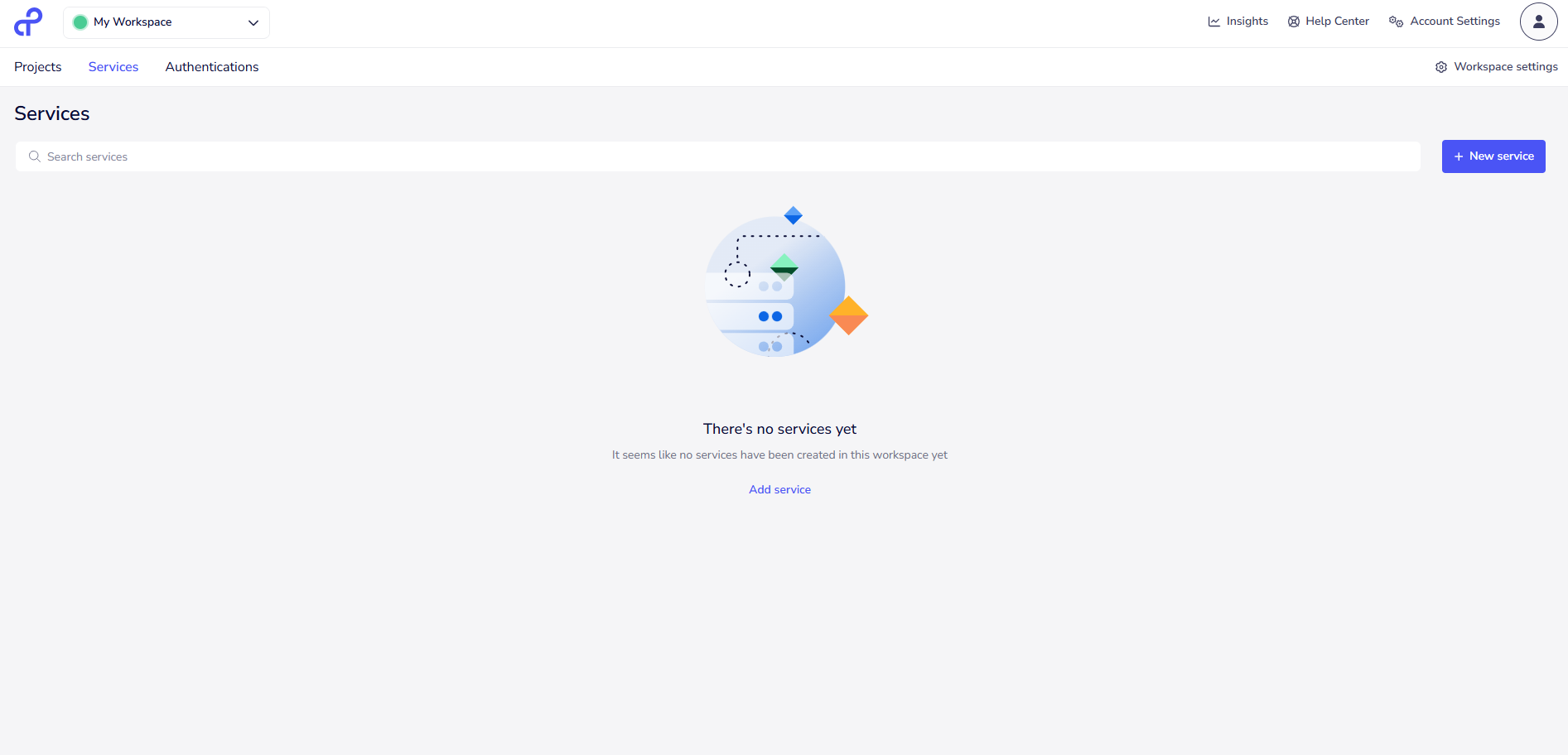
Services in Tray.ai are used to connect and work with different applications or systems. They provide the required operations to send, receive, create, update, or process data between systems.
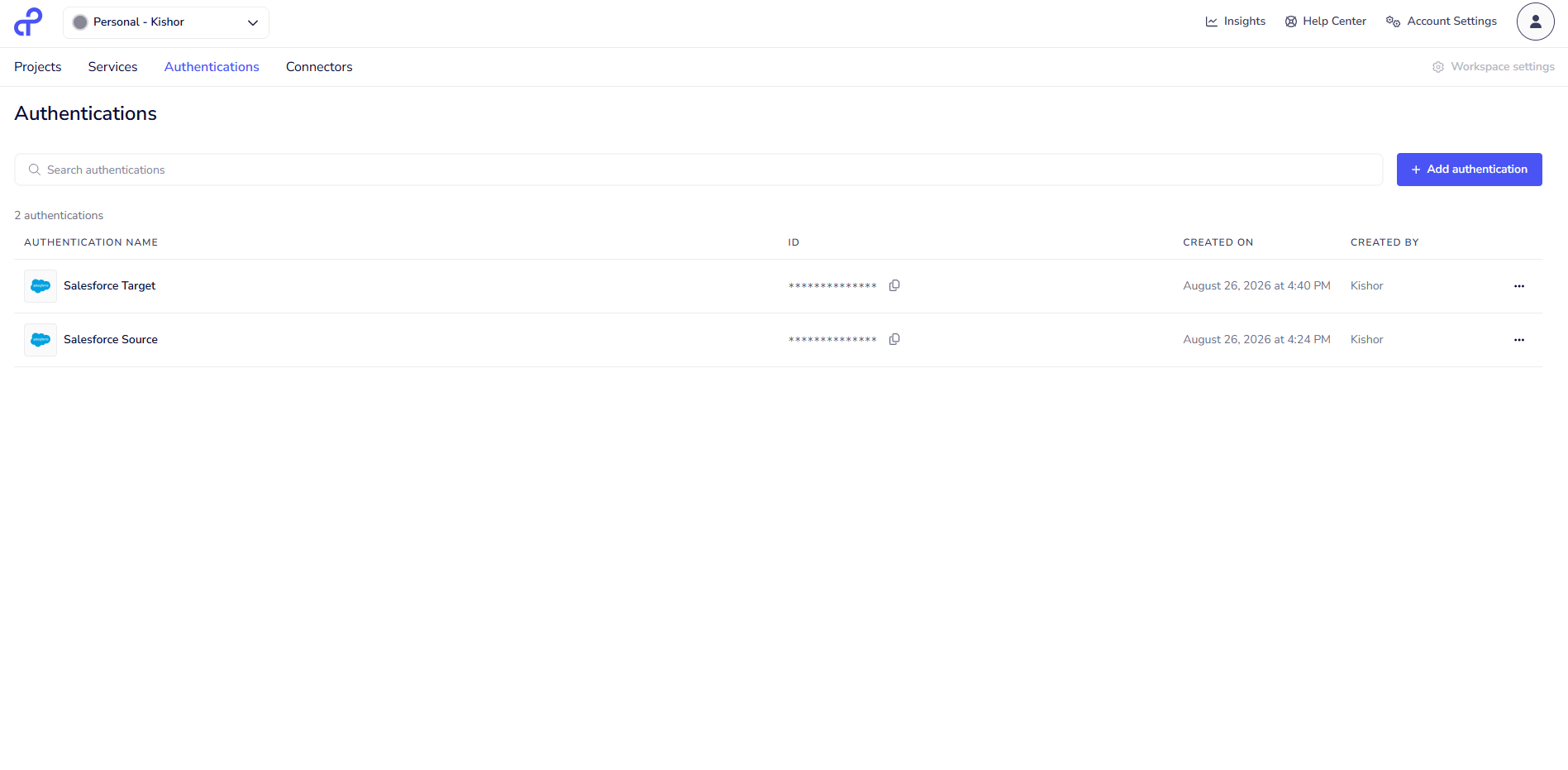
Authentication
Authentication is used to securely connect Tray.ai with external applications or services. It helps Tray.ai access the required APIs and perform operations using the correct account permissions.
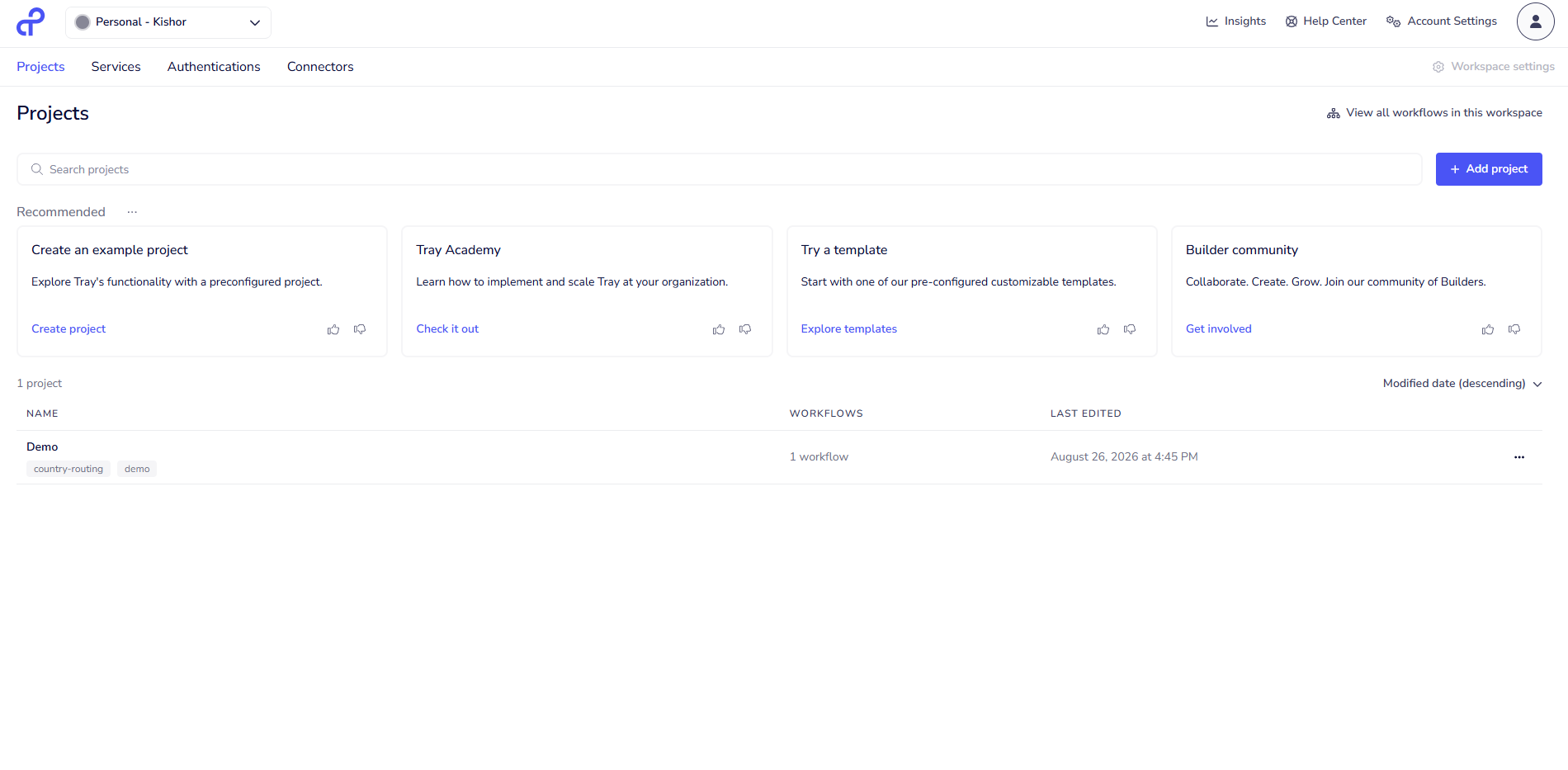
Workflows
Workflows define how data should move between different systems. They contain a series of steps that Tray.ai follows to receive, process, and send data from one system to another.
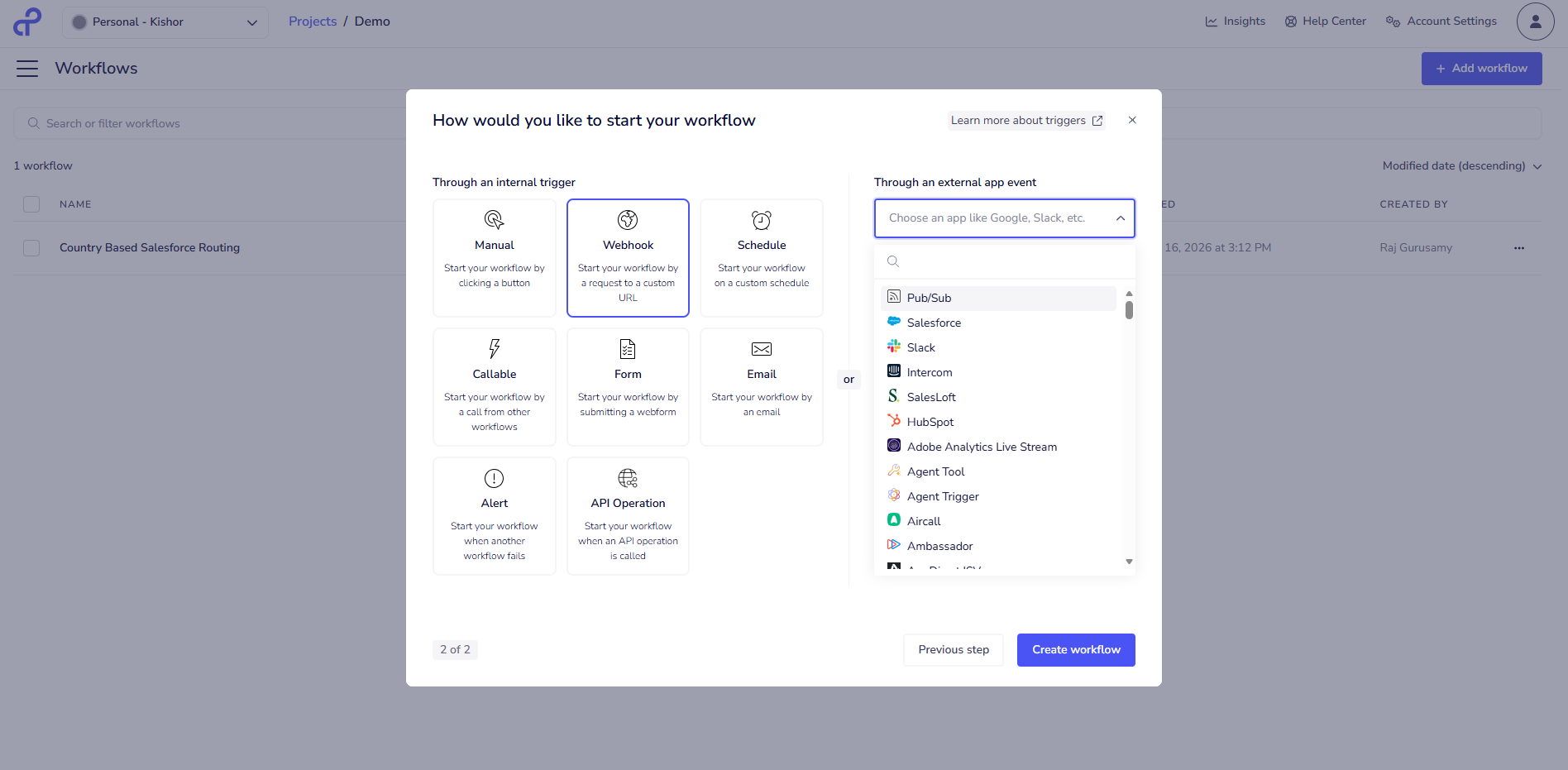
Triggers
Triggers are used to start a workflow when a specific event happens. For example, when a new lead is created in an application, the trigger can start the workflow and process that lead.
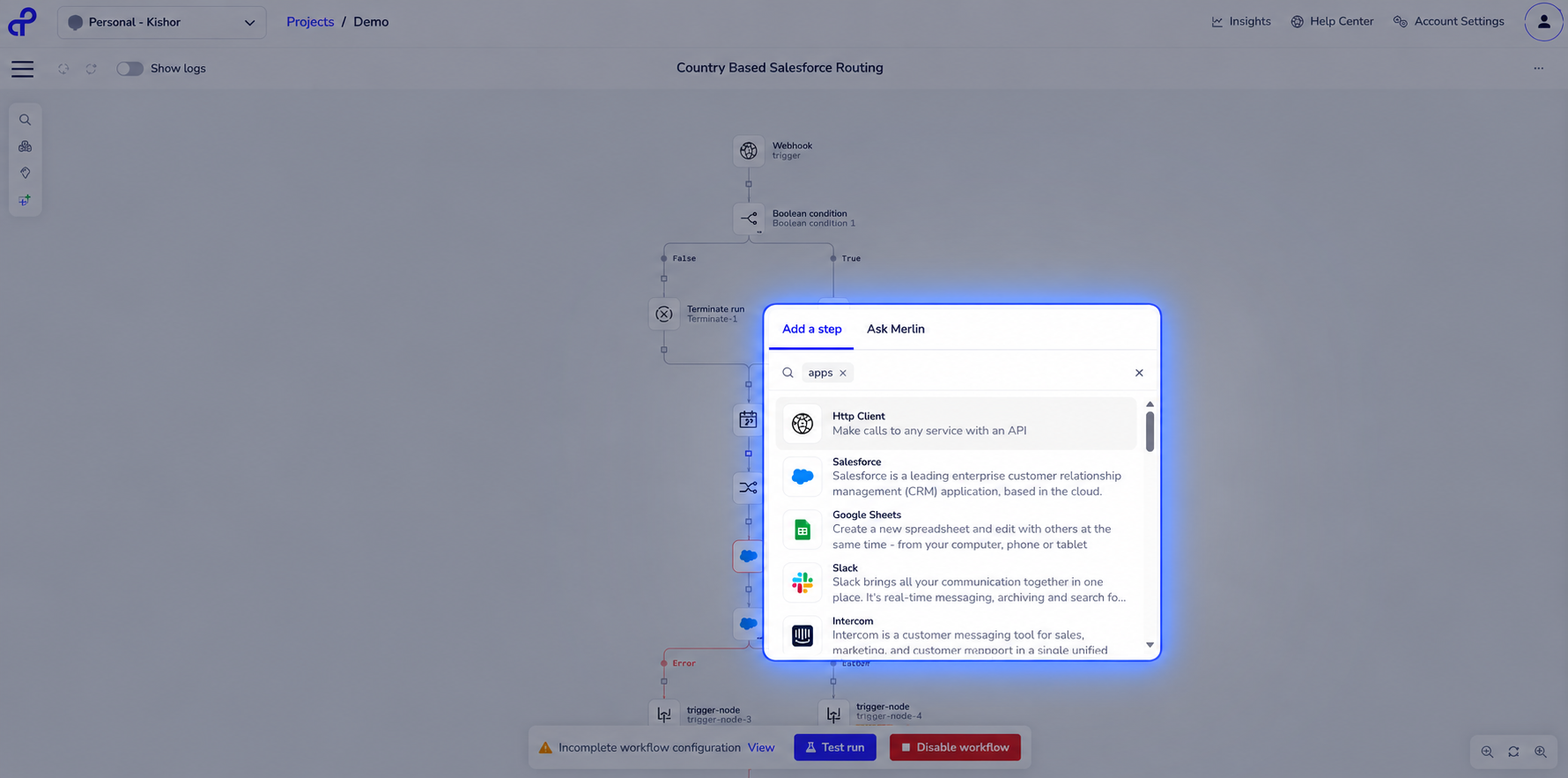
Connectors
Connectors are used to connect Tray.ai with different applications and services. They provide ready-made actions and operations that can be used to send, receive, create, or update data in those applications.
Tray.ai vs Traditional API Integration
Area | Traditional API Integration | Tray.ai |
|---|---|---|
Development approach | Custom code, written and owned by the team | Visual workflow builder using connectors |
Authentication | Developer-managed for every service | Platform-managed for supported connectors; manual for others |
Data transformation | Custom mapping and transformation code | Built-in data mapping tools inside the workflow |
Error handling | Custom try/catch and logging logic | Workflow-level error paths and configuration |
Retry logic | Built by the developer | Platform-provided retry configuration, where available |
Monitoring | Custom logging/monitoring stack | Workflow execution history and platform monitoring |
Testing | Unit and integration tests written by the team | Workflow-level testing plus application-side testing |
Maintenance | Fully on the development team | Shared - platform maintains connectors, team maintains workflow logic |
Infrastructure | Runs on your own application infrastructure | Runs on Tray.ai's managed execution environment |
Conclusion
There’s no single approach that works for every integration.
Traditional API integration makes more sense when you need complete control, have complex or highly customized business logic, or when the integration is a core part of your application and belongs directly in your codebase. Tray.ai can be a good fit when speed and flexibility are the priorities, especially when you’re connecting multiple SaaS applications and moving or transforming data through repeatable workflows without building everything from scratch.
In reality, many organizations use a combination of both approaches. They rely on custom code for integrations that are critical to their products, while using platforms like Tray.ai for operational workflows and cross-application processes that don’t need to be reinvented every time.
So, the question isn’t really “Which one is better?” It’s “Which approach makes the most sense for this integration?” The answer can vary depending on the application, the complexity of the requirements, and the team building it.
“The right integration isn’t about choosing code or workflows - It’s about choosing what fits.”
