
 Book Free Consultation

Skipping Salesforce Login with Playwright Storage State
We will learn how to capture and reuse Salesforce authentication using Playwright’s storageState
By Gurumoorthy Manickam
Lead Test Engineer
Using Playwright StorageState to automate Salesforce Login
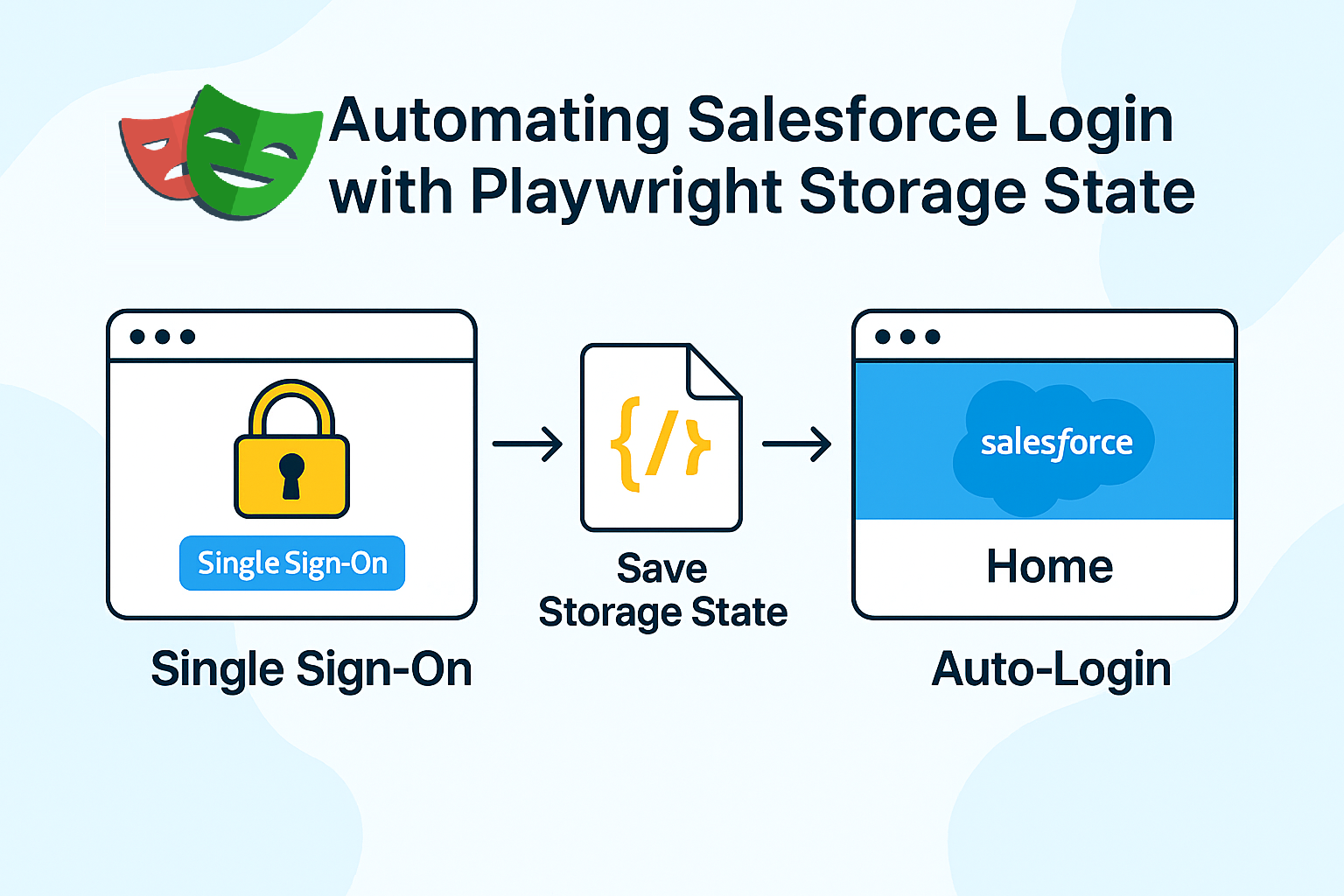
Playwright has a built‑in concept called storage state. It allows you to capture the current browser session (cookies, local storage, etc.) and save it to a JSON file. Later, you can start new test runs that automatically load this state, so the browser launches in a logged‑in condition.
For a Salesforce org protected by SSO and MFA, this translates to:
- Authenticate once manually (including MFA).
- Save that authenticated state to a file.
- Reuse the file for subsequent test runs so they skip the login UI entirely.
What the Setup Looks Like
I created a small setup script whose only job is to perform the login and write the storage file. At a high level, the script:
- Launches a fresh browser context with no prior storage state.
- Navigates to the Salesforce login URL for the target environment (for example, Dev sandbox).
- Clicks the “Log in with <Company> SSO” button and follows the SSO screens.
- Fills in the corporate email and password when prompted.
- Waits for the “Approve sign in request” screen and pauses while the IM approves the request on their mobile device.
- Waits until Salesforce redirects to the Lightning home page.
- Calls page.context().storageState() and writes the result to a JSON file, such as auth-storage.json.
This script is intentionally separate from the main test suite. It is run manually when we need to generate or refresh the storage state for a given environment. Once the file is saved, the standard tests do not contain any login code.
In the Playwright configuration, I then specify:
- For Dev: use.storageState = 'auth/dev-storage.json'
- For UAT: use.storageState = 'auth/uat-storage.json'
Alternatively, for some suites, I attach the storage state at the test file level using test.use({ storageState: '...' }). In both cases, the principle is the same: every test starts with an already authenticated browser session.
What Worked Well
During the POC, this approach proved to be:
- Simple – There is no login logic inside the test steps; they can focus completely on business flows.
- Stable – The tests are insulated from UI changes on the login screens since they never interact with them.
- Flexible per environment – Maintaining one storage file per environment is much easier than maintaining two completely different login flows.
- MFA‑friendly – MFA is performed once during storage generation. Tests themselves do not see MFA prompts.
In both Dev and UAT, the same storage file (per environment) consistently authenticated the user until Salesforce decided to expire the session. There was no need to chase dynamic locators on SSO pages or handle edge cases like verification codes.
Limitations and How We Handle Them
Storage state is not a silver bullet. It comes with a few clear limitations:
- Session expiry
When Salesforce times out the session or a security policy forces logout, the storage file becomes invalid. The only way to fix it is to rerun the setup script and regenerate the file. - Per‑browser difference
Storage state is tied to the browser engine. If I want to run tests on Chromium and WebKit, each may require its own generated file. - Security considerations
The JSON file contains sensitive session information. It should not be checked into a public repository or shared loosely. We keep it in a controlled location and treat it like a credential.
To manage expiry, we introduced a simple practice: if tests suddenly start redirecting to the login page, regenerate the storage file for that environment. Because the regeneration process is quick and occurs only occasionally, the overhead is acceptable.
Why Storage State Became the Recommended Option
Compared to the other approaches I evaluated, storage state hit a good balance between effort and reliability:
- It respects Salesforce’s security model—no attempt to “fake” MFA.
- It keeps the test code clean and independent of SSO UI details.
- It is easy to explain to new team members and simple to maintain.
- It works consistently across Dev and UAT, despite differences in their login flows.
The other methods (JWT, persistent profile, CLI) each have their place, especially for API and backend automation, but for UI login in Playwright, storage state turned out to be the most practical solution.
In the next posts of this series, I will go deeper into why the JWT‑based Connected App, persistent user data directory, and Salesforce CLI approaches did not fit our UI login requirements, and where they still make sense in the overall automation strategy.
